TrueNAS Core 做Replication 去另一部TrueNAS:超簡單教學
Replication 超實用,如果你有兩部 NAS,想同步資料、做災難復原(disaster recovery)或者簡單備份都可以。


相信大家每次做system update 都會驚出意外,尤其NAS 放咗data,開唔返機分分鐘連file 都無埋。
如果手上有部幾年前裝好嘅TrueNAS Core,更新之前想做個backup,其實可以開個replication。
呢個功能超實用,如果你有兩部 NAS,想同步資料、做災難復原(disaster recovery)或者簡單備份都可以。
點解要做 Replication?
- 資料安全:一部機壞咗,都另一機有備份,唔使喊。(拎出去data recovery 係天價…)
- 自動化:設定一次,就定期自動sync data,慳時間。
- ZFS 優勢:TrueNAS 用ZFS,replication 超快又可靠,因為佢支援snapshot-based 傳輸。
Lab Configuration
Source NAS:
- OS: TrueNAS Core 13.0
- IP: 192.168.104.2
Target NAS:
- OS: TrueNAS 25.10
- IP: 192.168.104.3
設定SSH Connection
-
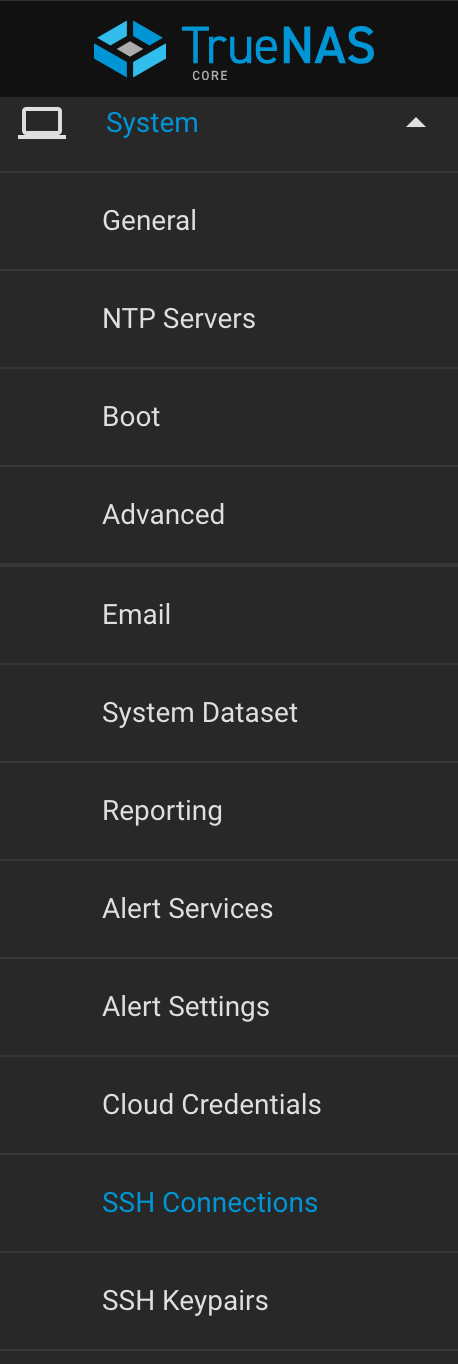
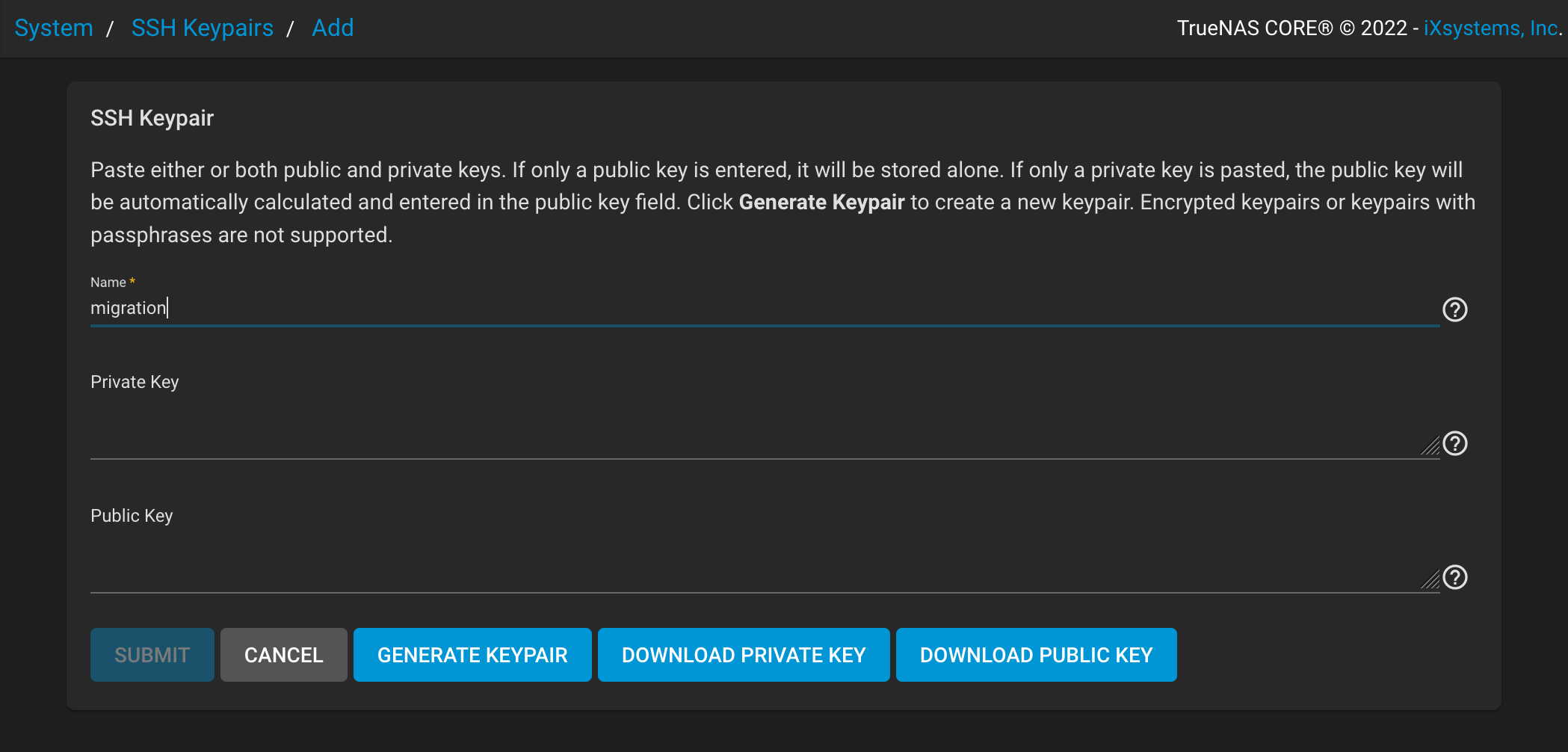
登入Source NAS,左邊揀System > SSH Keypairs > Add
-
填Name,e.g.
migration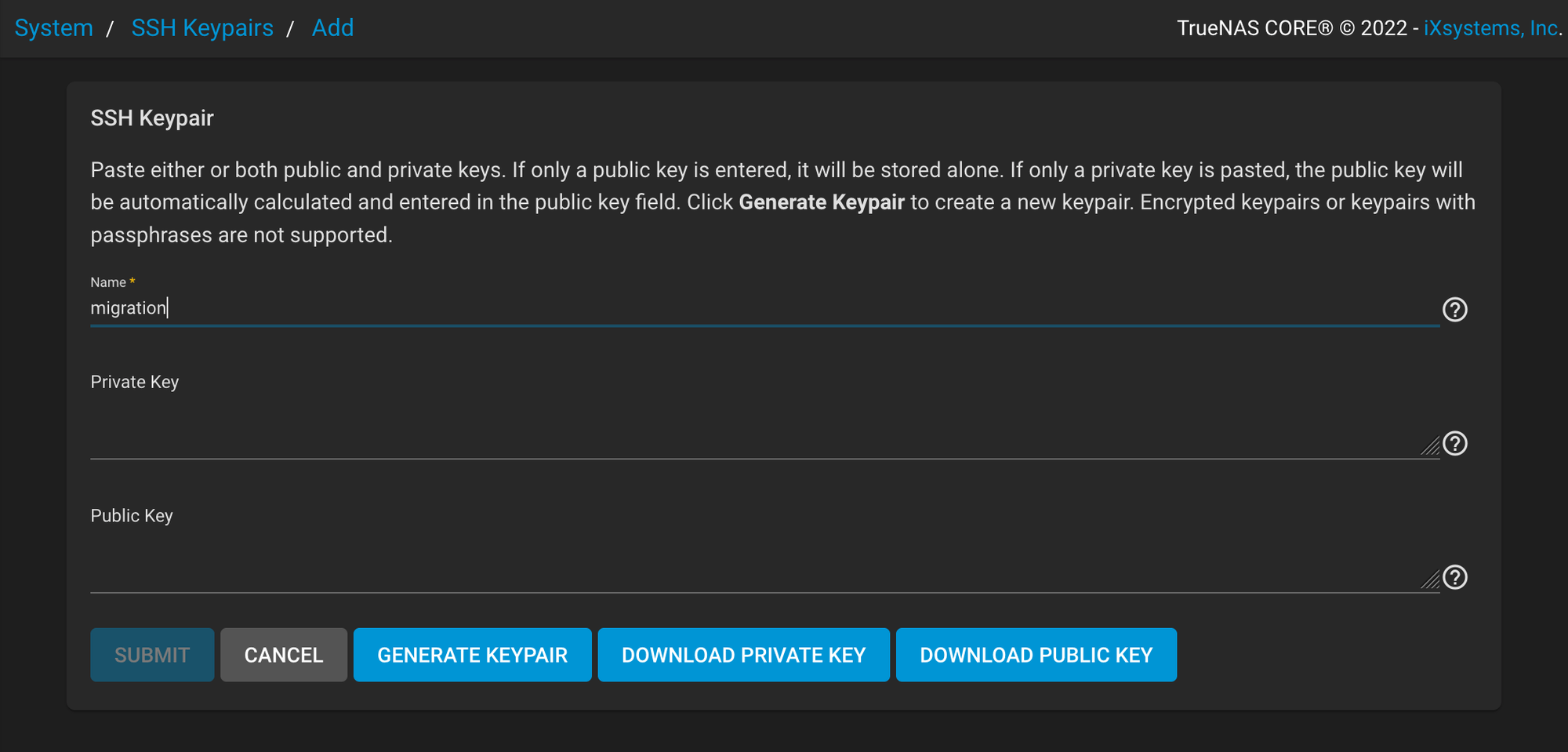
-
Click
GENERATE KEYPAIR -
Copy 低
Public Key -
Submit
-
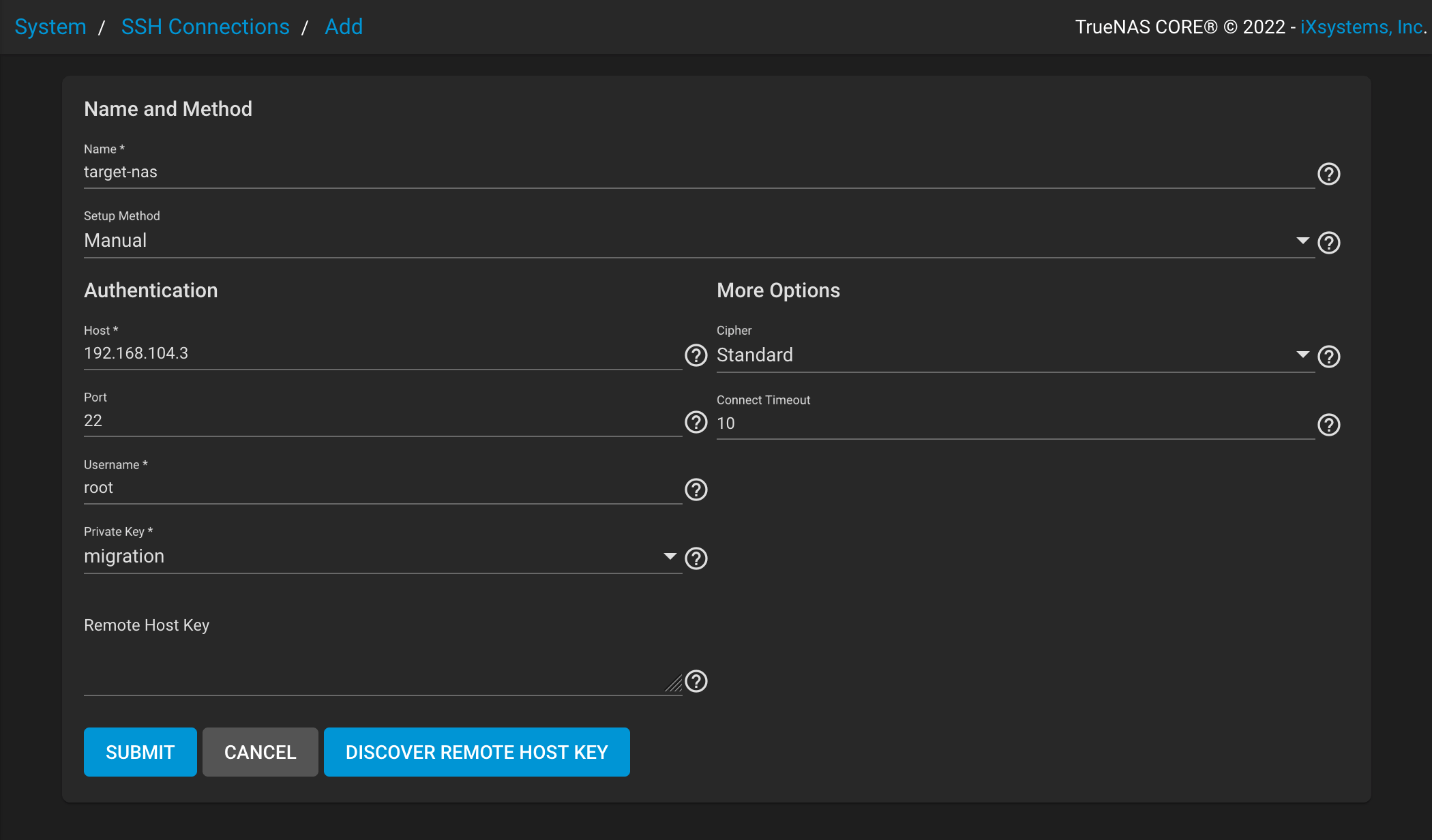
左邊揀System > SSH Connections > Add
-
填寫所需資料
Key Value Name 隨心填, e.g. target-nas Setup Method Manual Host Target NAS 嘅 IP Port 22 Username root Private Key migration 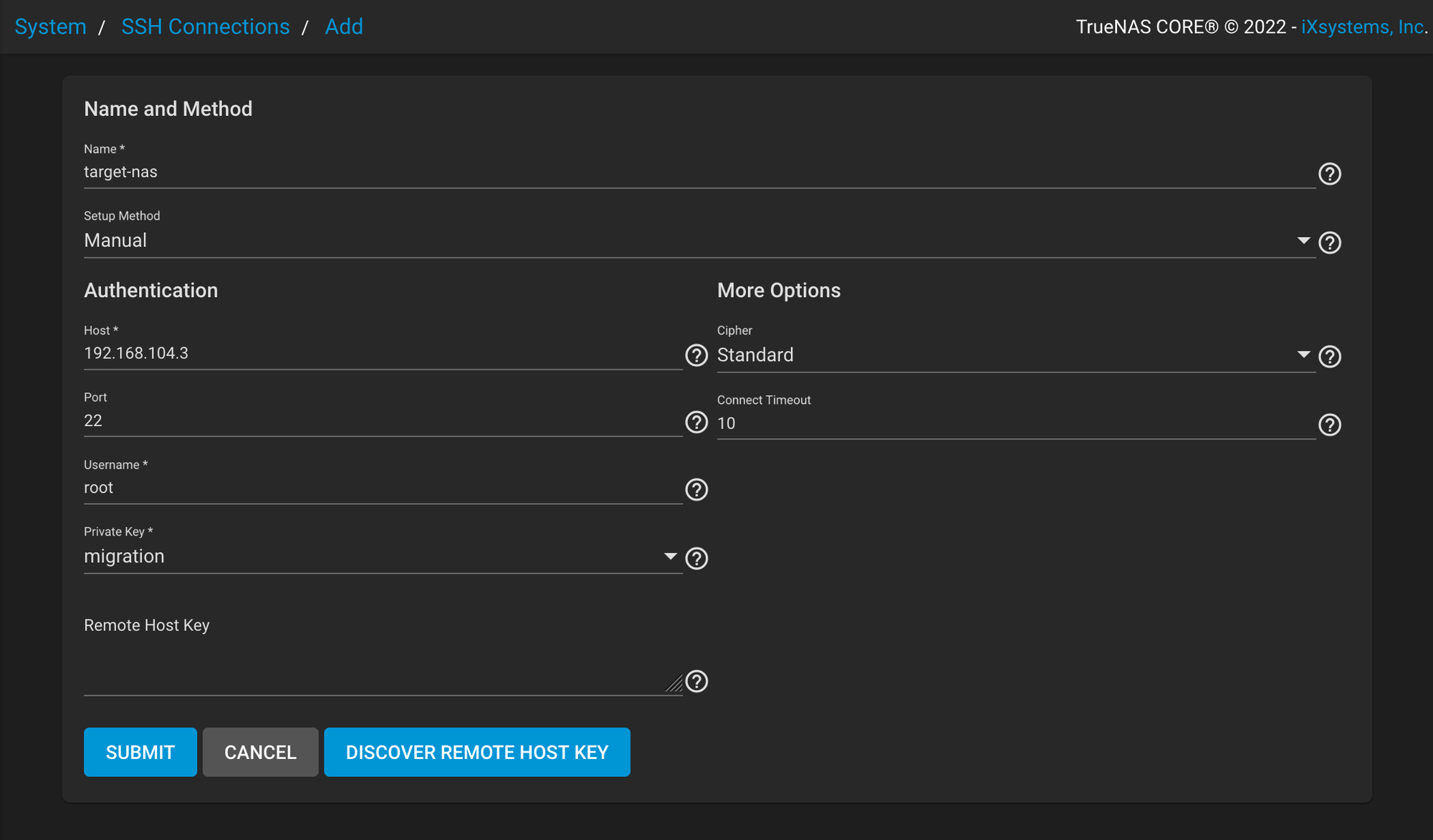
填好之後㩒 Submit
-
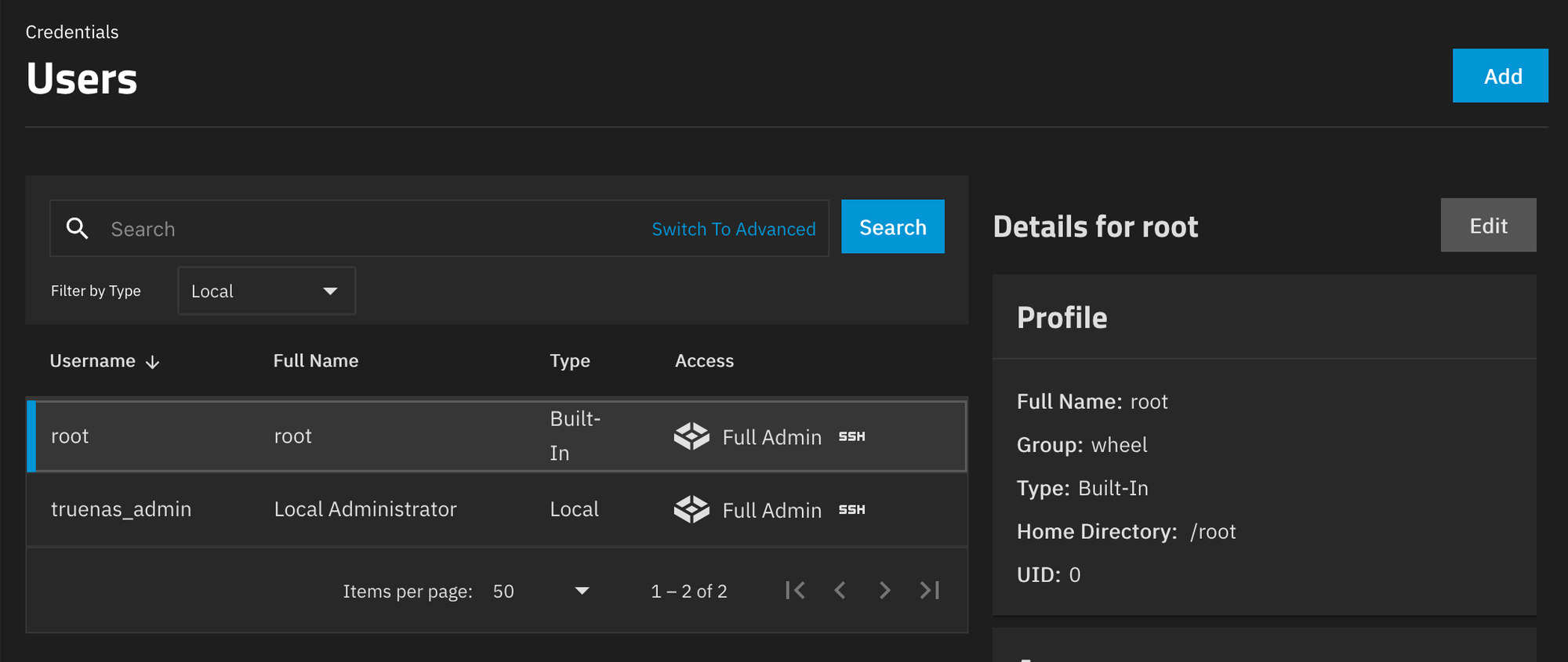
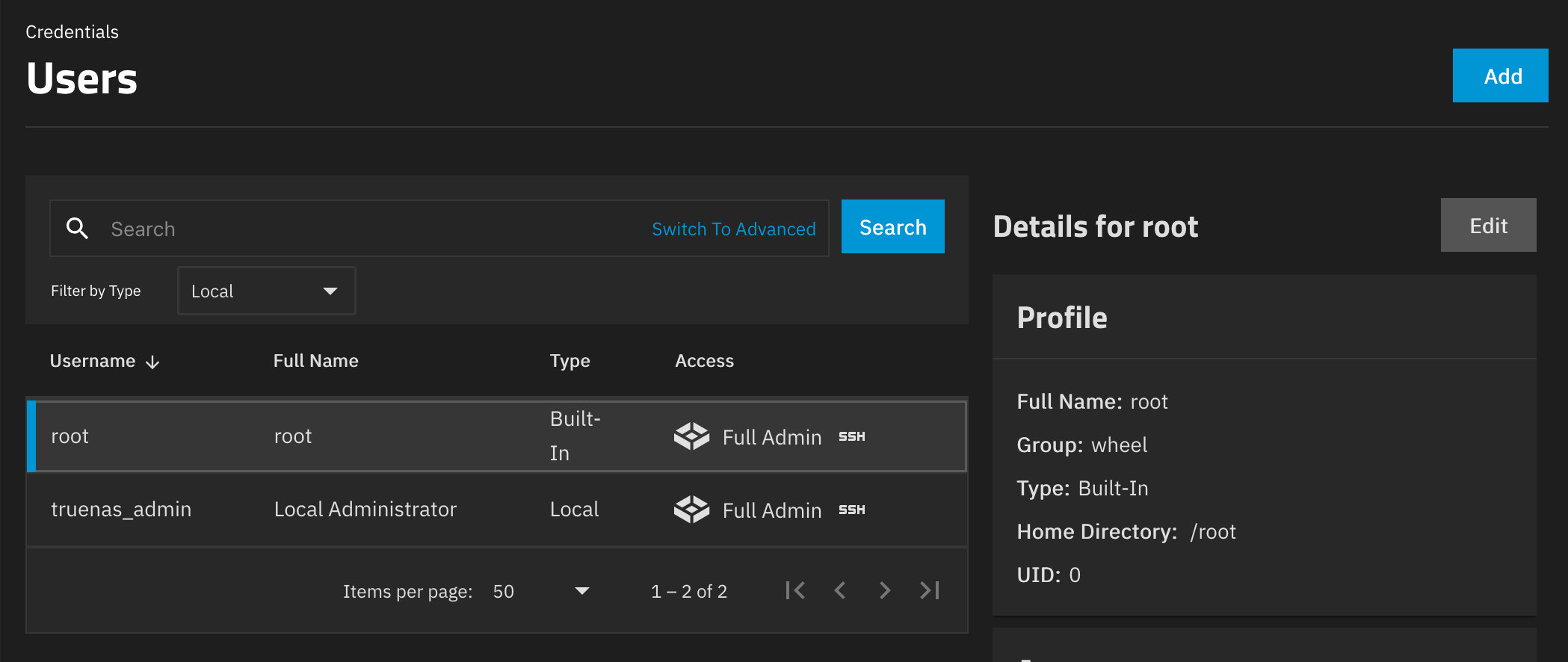
登入Target NAS,左邊揀Credentials > Users > Edit
root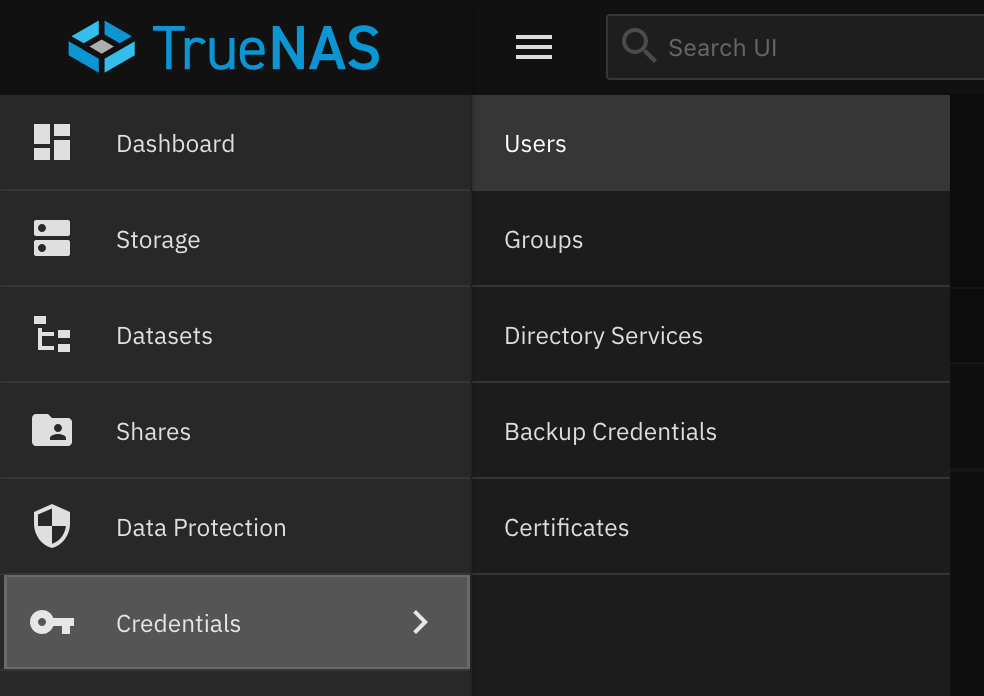
-
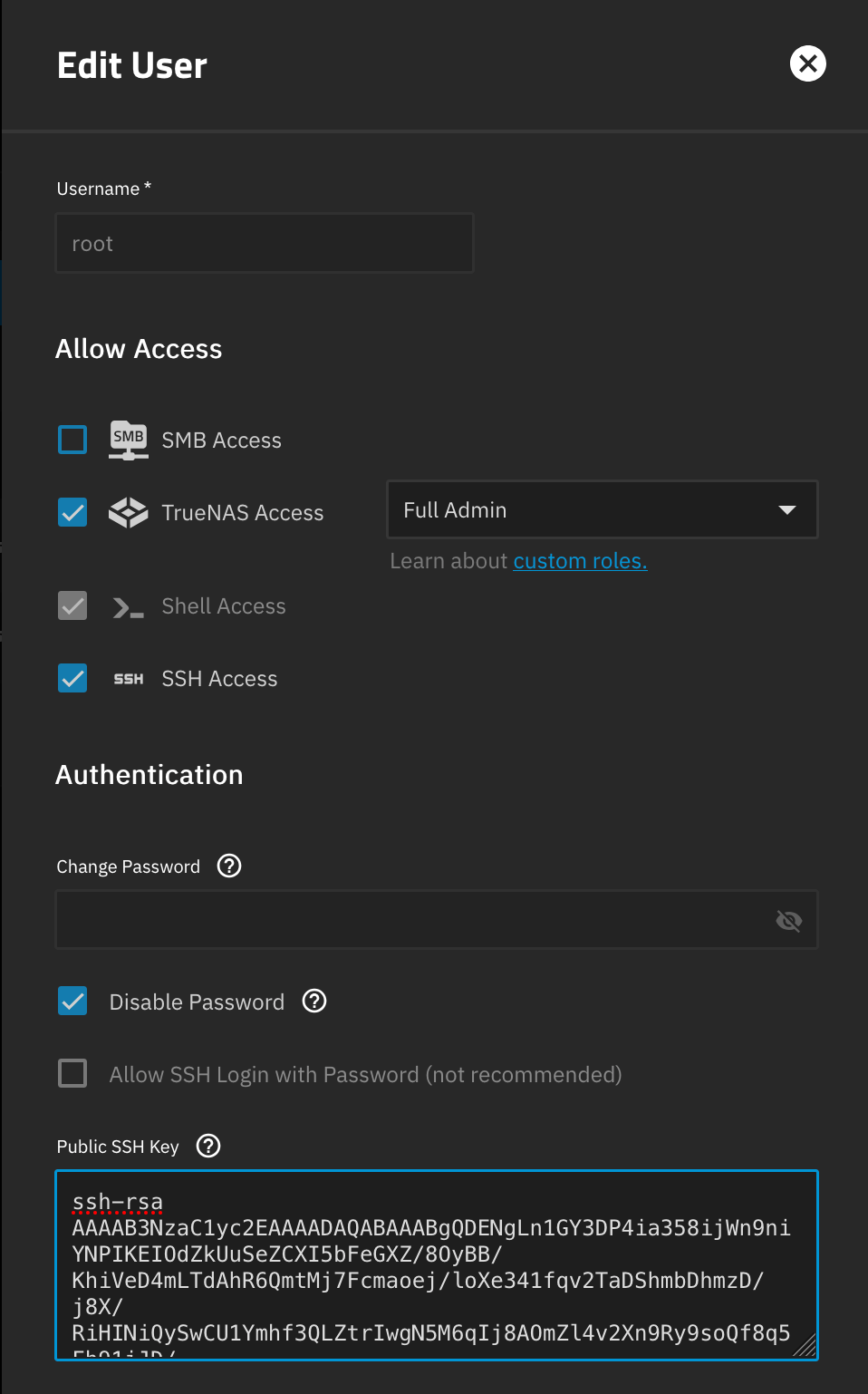
開SSH Access
-
貼上Public SSH Key
-
Save
-
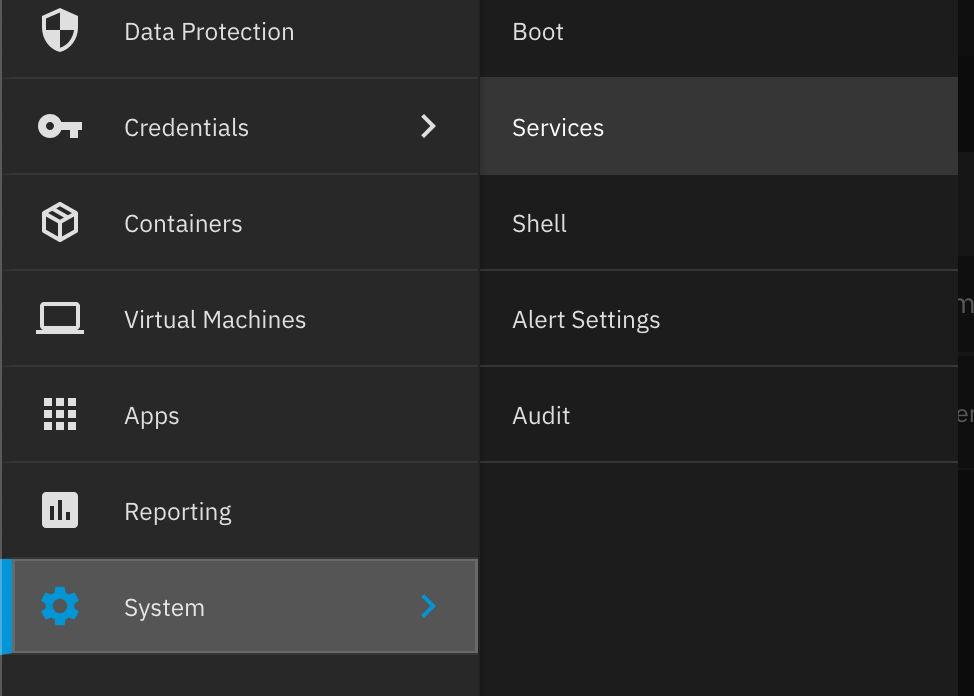
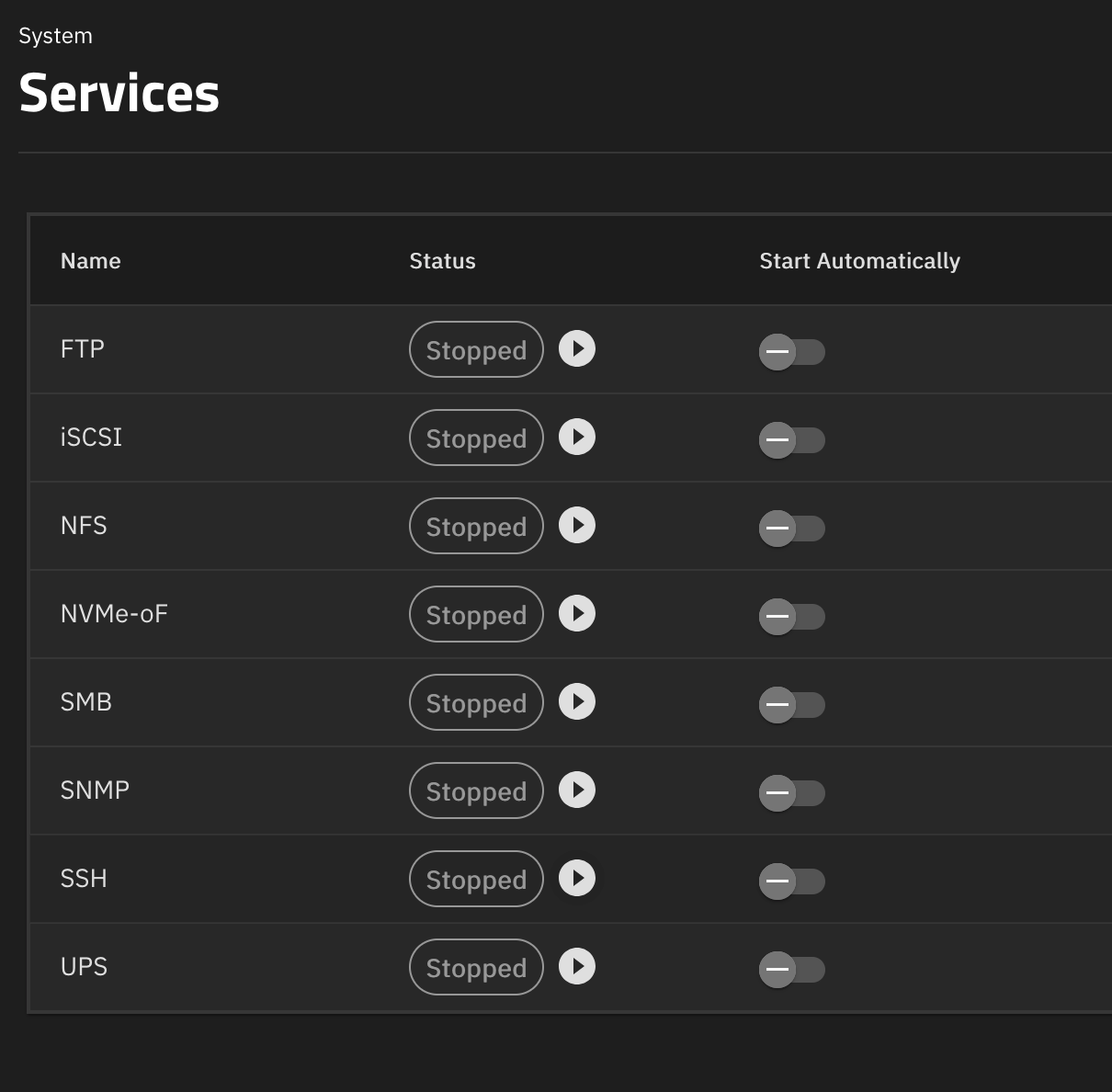
左邊揀System > Services
- 開SSH
設定 Replication Task
-
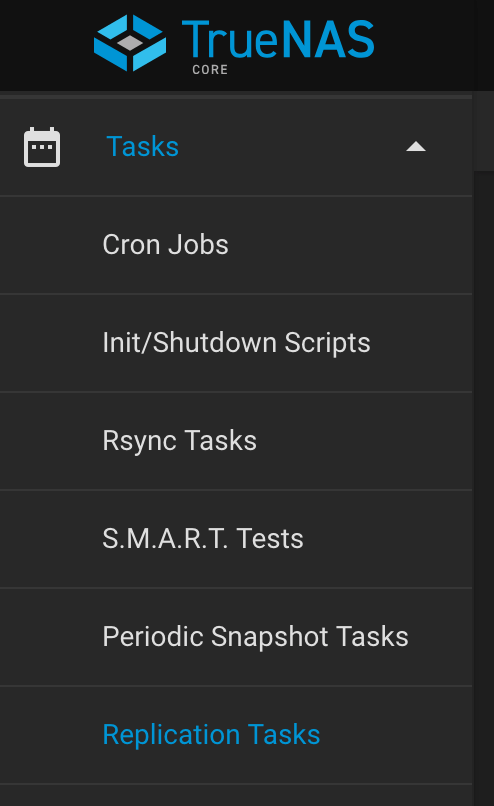
登入Source NAS,左邊揀Tasks > Replication Tasks
-
填寫所需資料
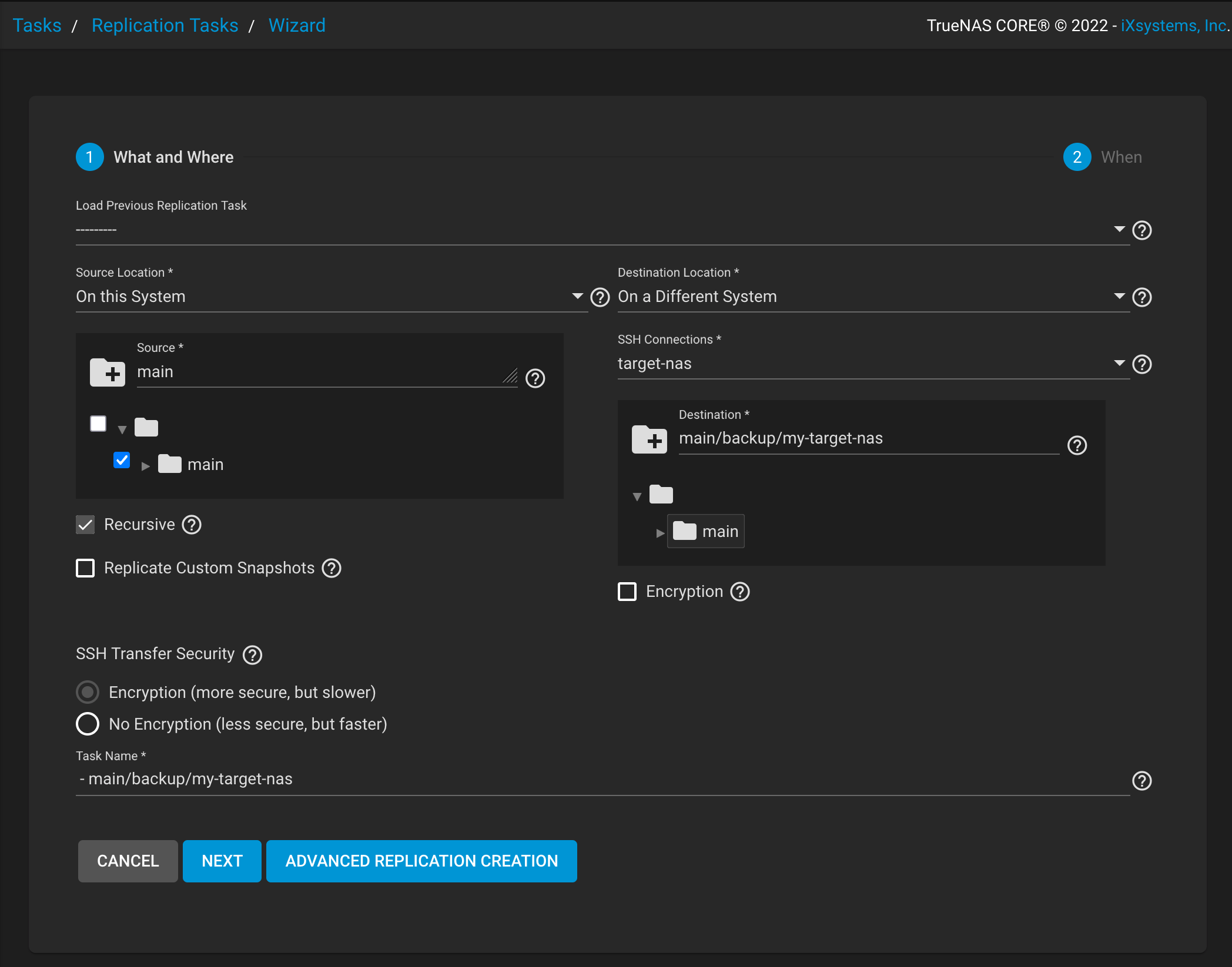
Key Value Source Location On this System Distination Location On a Different System SSH Connections target-nas Source 揀想replicate ge dataset Distination 目標dataset, e.g. main/backup/my-target-nasRecursive Tick Encryption 唔開 SSH Transfer Security Encryption 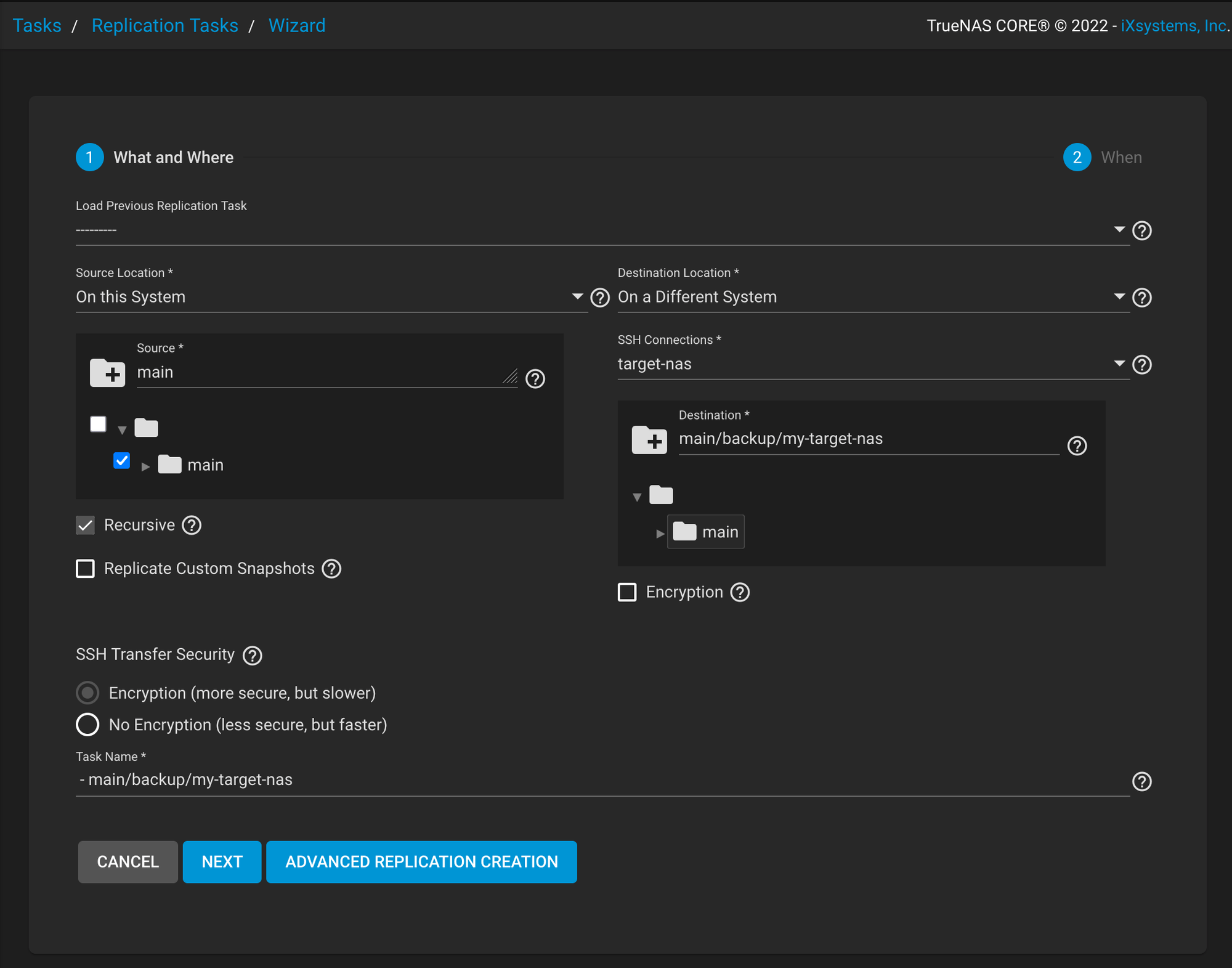
-
Run Now
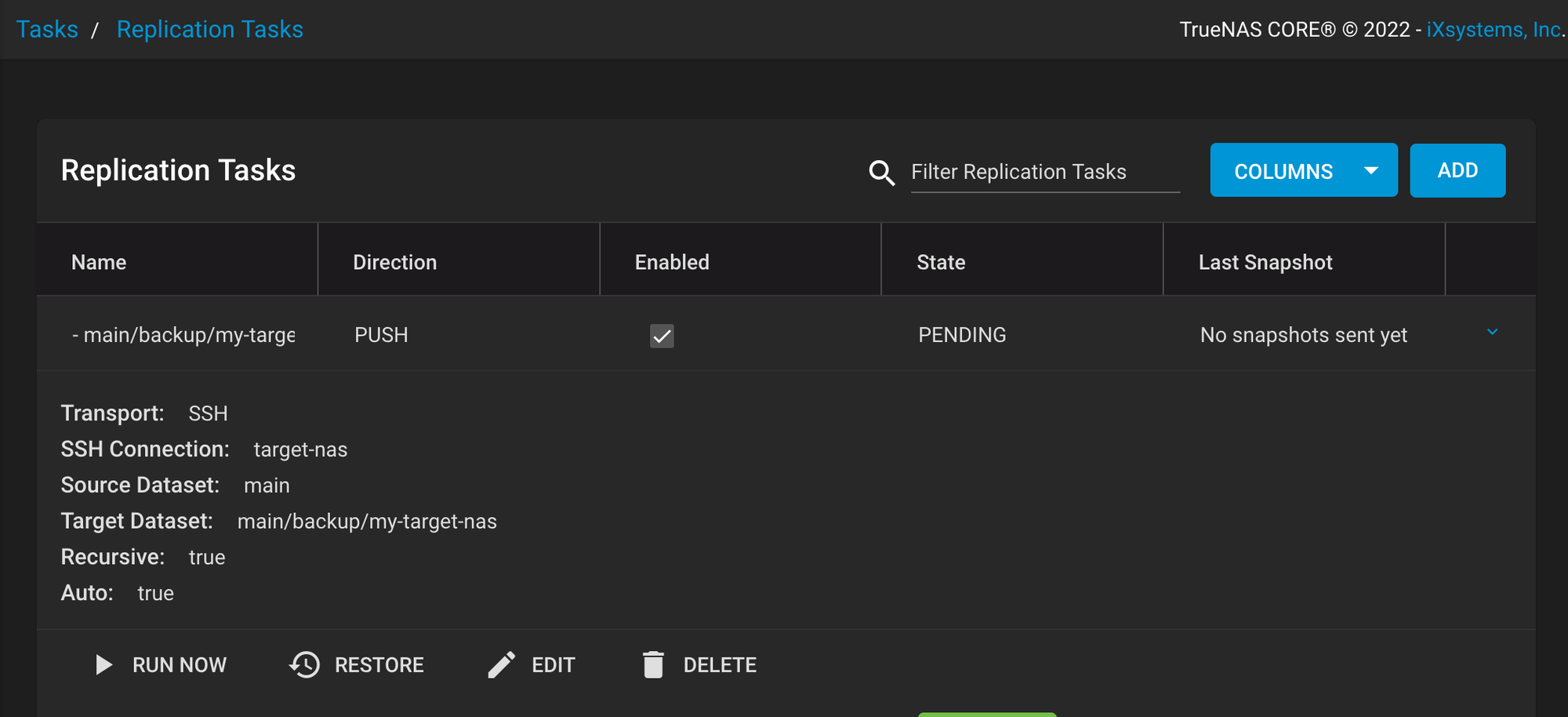
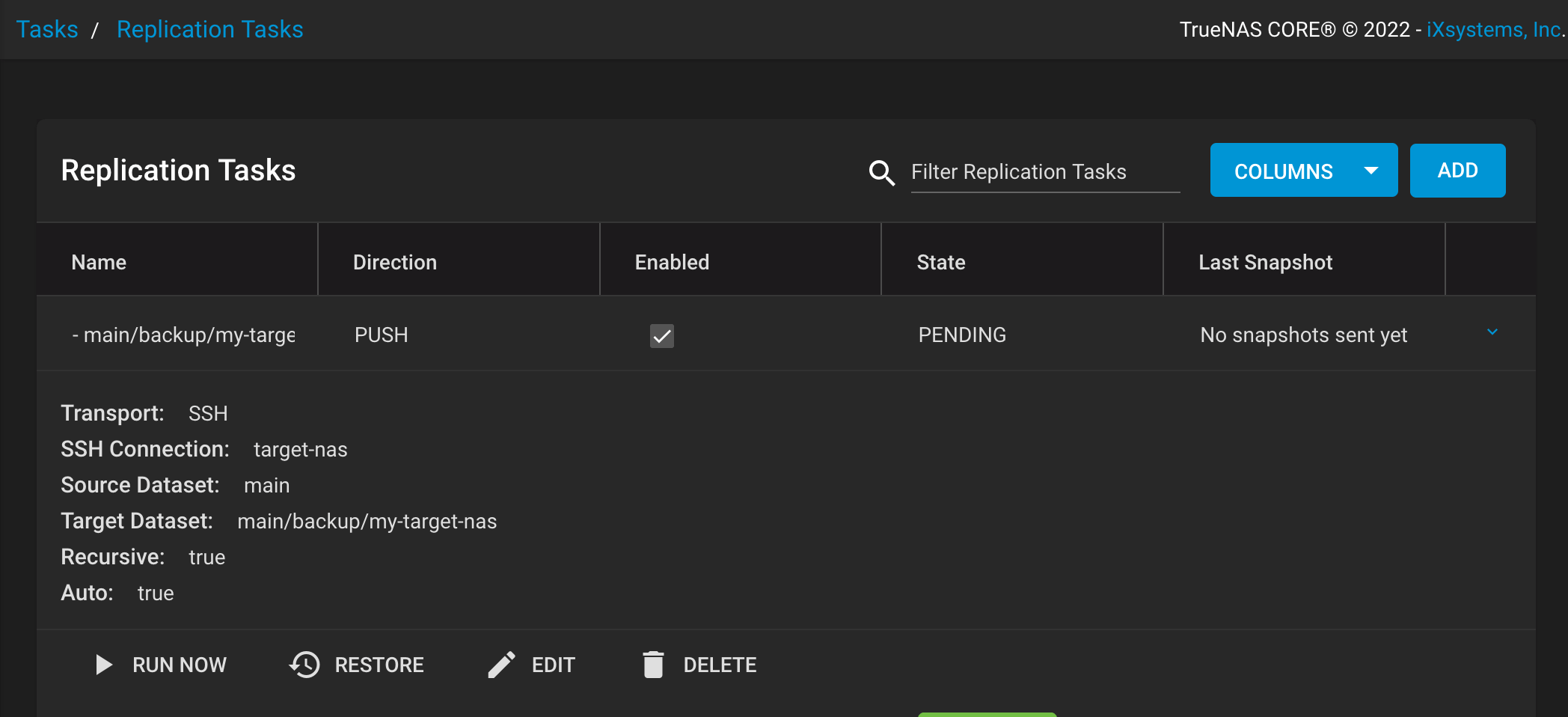
點樣喺target NAS 開到d files?
-
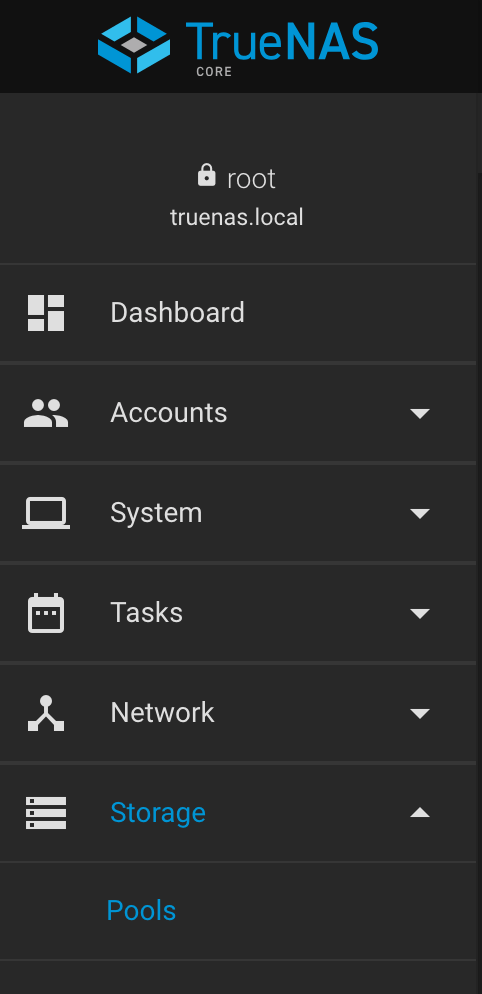
登入Source NAS,左邊揀Storage > Pools
-
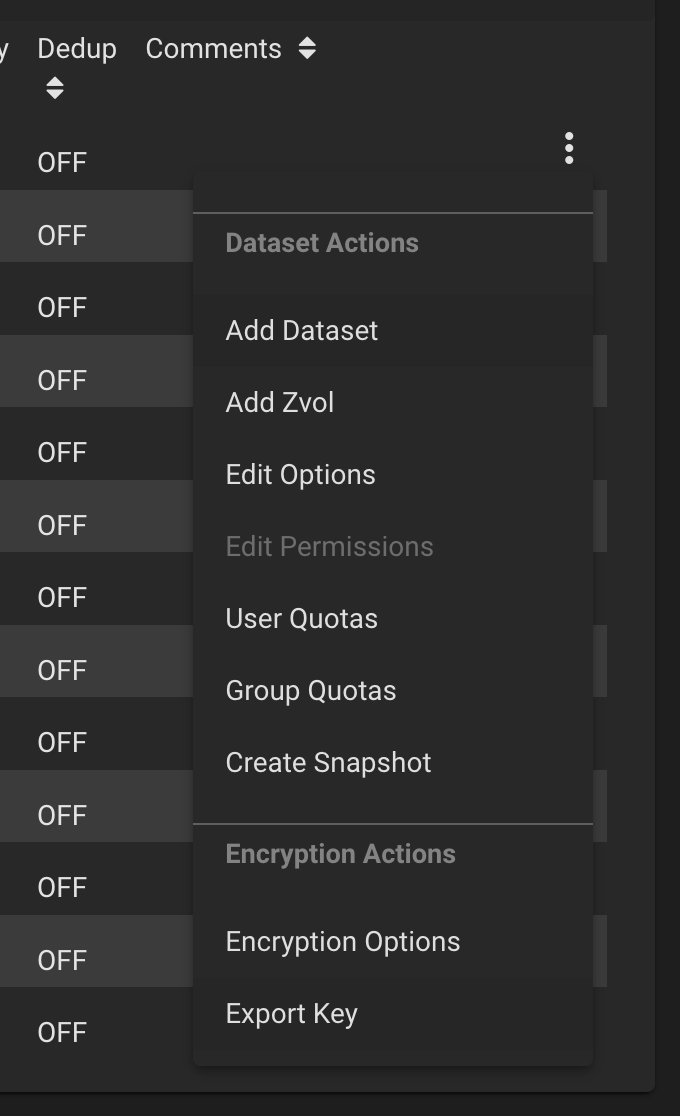
揀返你隻dataset,再Export Key
-
登入Target NAS,左邊揀Datasets

-
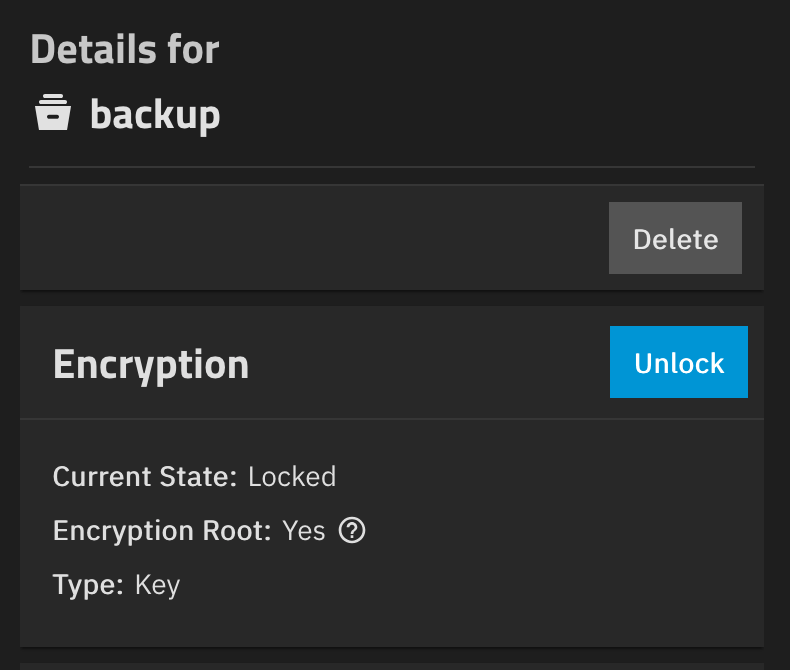
揀返你隻dataset,再Unlock
常見問題
開咗Destination Encryption
cannot receive new filesystem stream: encryption property 'encryption' cannot be set or excluded for raw streams.
cannot open 'main/backup/my-target-nas': dataset does not exist.
解決方法:去Replication Task 熄咗Encryption
放心,data 都係有加密,要用source NAS encryption key 解密
無用到root user 做SSH connection (e.g. 用咗truenas_admim)
cannot receive new filesystem stream: permission denied
cannot open 'main/backup/my-target-nas': dataset does not exist.
解決方法:去SSH Connection set 返做root user
當然target NAS 都要落public SSH key 去root user